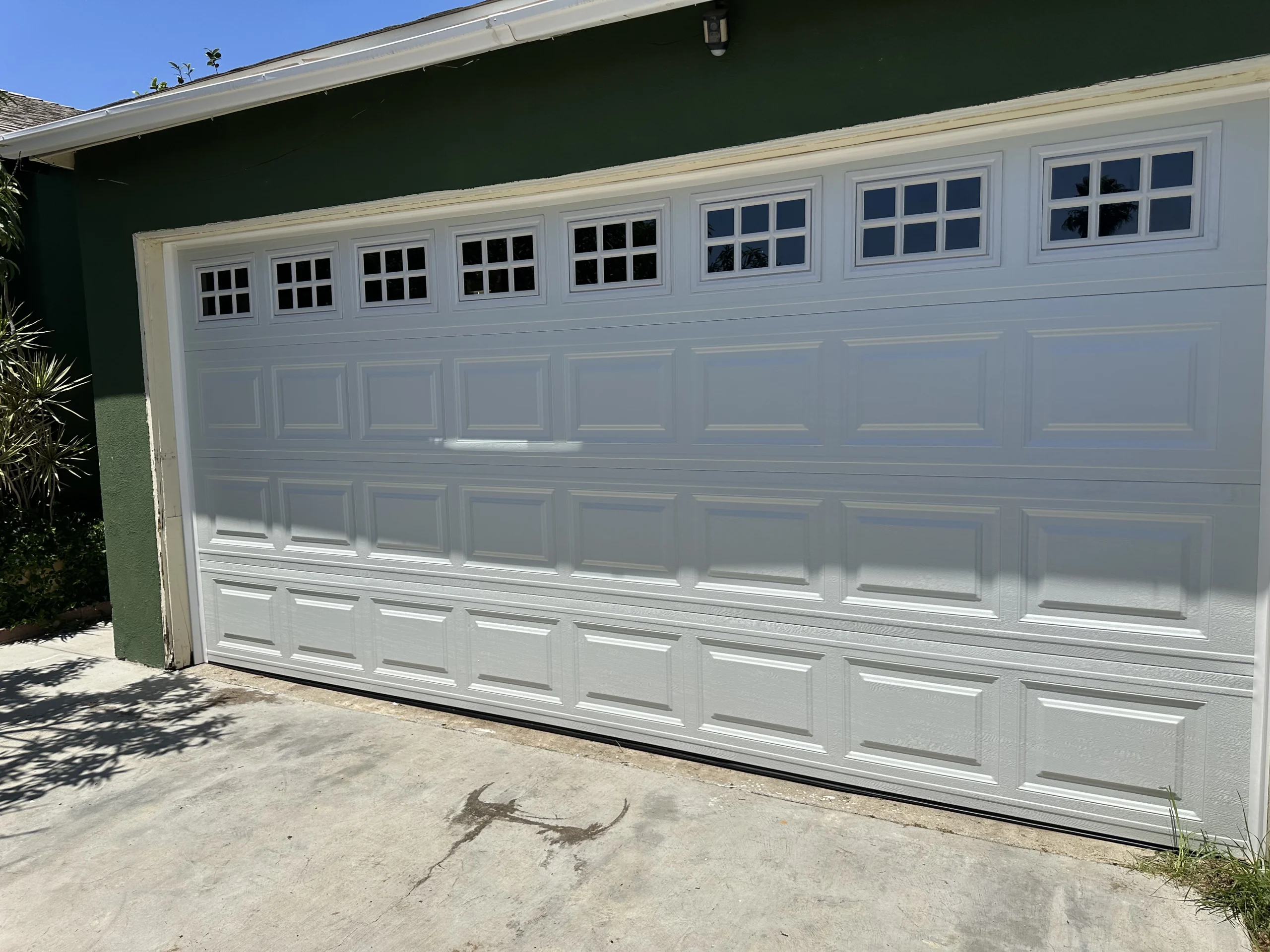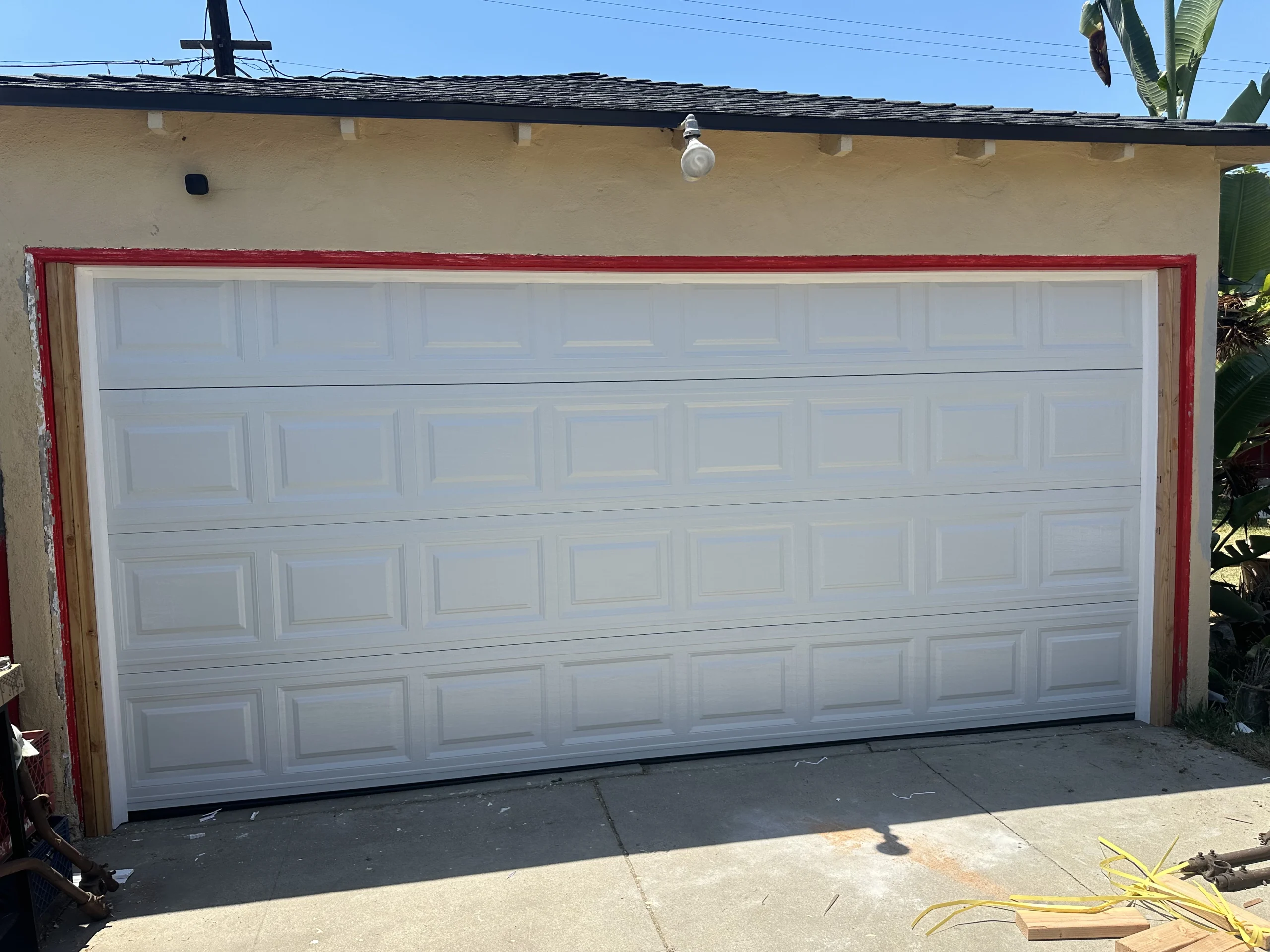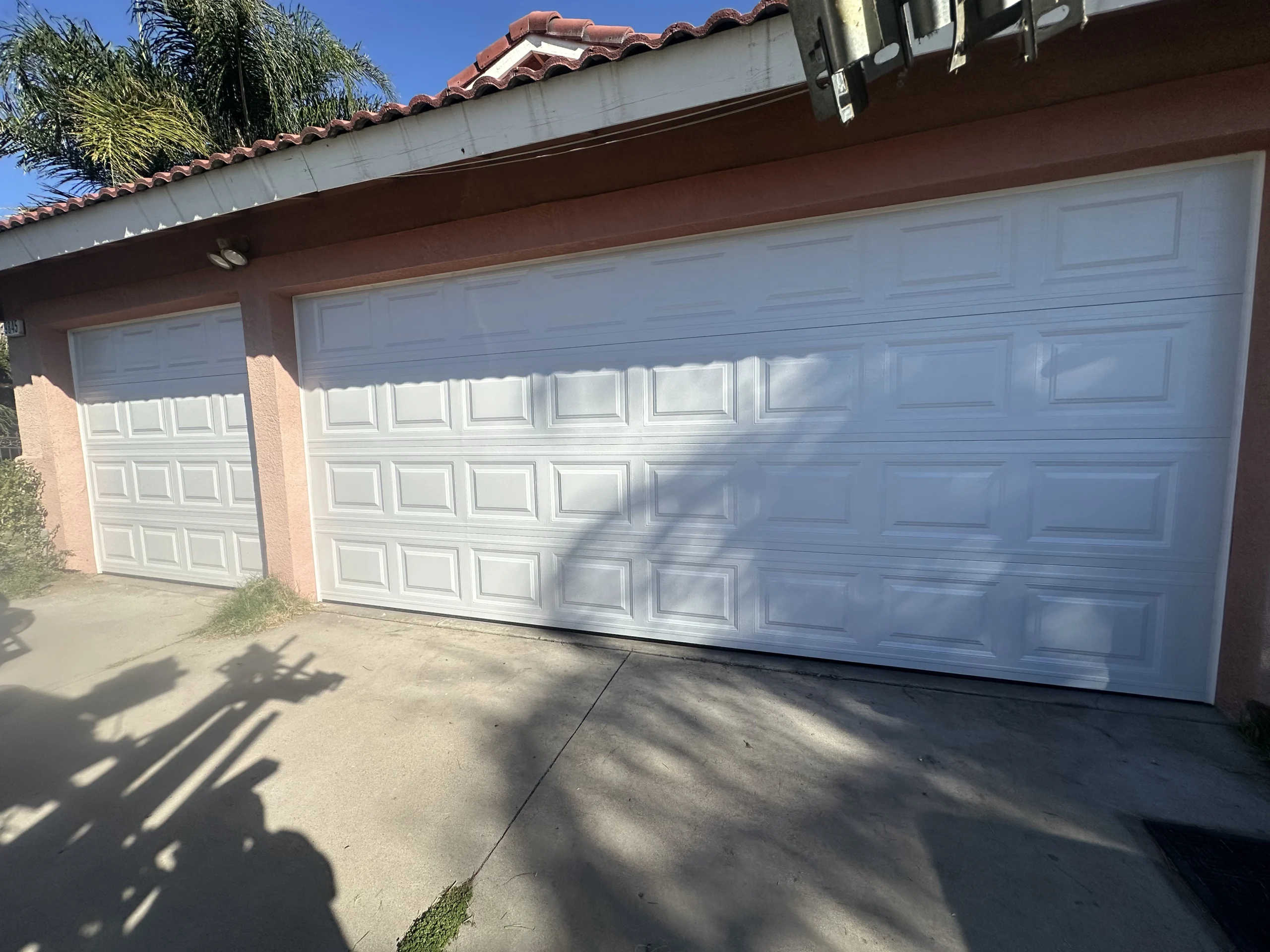
A keypad that suddenly will not open your driveway or security gate can turn a normal day into a security and access problem. Effective gate keypad entry troubleshooting starts by separating a keypad issue from an opener, power, wiring, or gate movement issue. That distinction helps you avoid replacing a working keypad when the real problem is elsewhere.
Before testing anything, make sure people, vehicles, and pets are clear of the gate’s travel path. Do not reach into an operator, force a gate open, or bypass safety devices. Automated gates are heavy, and an access-control problem can sometimes be the first sign of a mechanical issue that needs professional attention.
Start With the Symptoms
Notice exactly what happens after a valid code is entered. Does the keypad light up? Does it beep or flash? Does the gate operator make a sound? Does the gate begin to move and then stop? These details point to different causes.
A completely unresponsive keypad often indicates a dead battery, failed power supply, loose wiring, water intrusion, or damaged keypad hardware. If the keypad accepts the code but the gate does nothing, the fault may be in the relay connection, operator settings, receiver, or gate opener. If the operator activates but the gate will not travel correctly, focus on the gate, tracks, hinges, wheels, safety sensors, or motor rather than the keypad itself.
This quick observation is especially useful for property managers. It gives a repair technician a clearer picture of the problem and can speed up the service visit.
Gate Keypad Entry Troubleshooting: The First Checks
Confirm the code and user permissions
Start with the simple possibility: the code may be incorrect, changed, expired, or disabled. Many modern gate systems allow temporary codes, scheduled access, and separate user permissions. A tenant, employee, contractor, or family member may be using an old code after the system has been reprogrammed.
Enter the code slowly and firmly. Some keypads will not register a light touch, while worn buttons can stick or fail to make contact. If your system has a master code or a second authorized code, test it as well. Do not repeatedly guess codes, especially on systems that lock out users after several failed attempts.
If one code works and another does not, the keypad is likely communicating correctly. The issue is probably with programming or user permissions, not the gate operator.
Check keypad power and batteries
Wireless keypads commonly rely on batteries. A weak battery can create inconsistent behavior: dim lighting, delayed beeps, an intermittent response, or no response during cooler evenings. Replace batteries with the exact type recommended by the manufacturer and check that the contacts are clean, dry, and free of corrosion.
Hardwired keypads may receive low-voltage power from the gate operator or a separate transformer. If there is no display, backlight, or audible response, a tripped breaker, unplugged transformer, damaged power connection, or failed control board could be involved. Avoid opening electrical enclosures unless you are qualified to do so. Even low-voltage systems may be connected to higher-voltage components inside the operator cabinet.
Inspect for weather and physical damage
Los Angeles weather is generally mild, but direct sun, coastal moisture, irrigation overspray, dust, and occasional heavy rain can still affect outdoor electronics. Look for a cracked keypad cover, faded buttons, condensation behind the faceplate, insect activity, or a loose mounting box.
A keypad installed near sprinklers or exposed to afternoon heat may fail sooner than one protected by an awning or weather-rated enclosure. If the unit works only after drying out, or only at certain times of day, moisture or heat damage is a strong possibility. Replacing the keypad may solve the immediate issue, but improving its location or weather protection can prevent the same failure from returning.
Determine Whether the Gate Opener Is the Real Problem
A keypad is only one part of the access system. Test another control method, such as a remote, vehicle exit loop, wall button, app, or keyed manual control. If none of them activate the gate, the keypad is probably not the source of the failure.
Listen and watch when a control is used. A clicking sound from the operator with no movement can indicate a motor, capacitor, gear, chain, or mechanical resistance issue. A gate that starts and reverses may have an obstruction, misaligned photo eyes, a pressure-sensitive edge problem, or a limit-setting issue. A sliding gate that drags or swings unevenly can place extra strain on the opener until the system refuses to operate safely.
Do not keep commanding a gate that is binding, scraping, sagging, or reversing unexpectedly. Repeated cycles can damage the operator and create a safety risk. In this situation, the right repair may involve both the gate hardware and the access-control system.
Inspect Wiring and Communication Carefully
Hardwired keypads depend on a low-voltage cable between the keypad and gate operator. Over time, wiring can loosen at terminals, become damaged by landscaping work, corrode, or suffer from rodents and pests. Intermittent operation is a common sign of a loose or compromised connection.
Wireless keypads have a different set of concerns. Their signal range can be reduced by distance, metal gate structures, thick masonry, new landscaping, or nearby electronic interference. If the keypad works only when you stand very close to the operator, the battery may be weak, the antenna may need attention, or the keypad may be installed too far from the receiver.
A technician can test voltage, inspect terminals, evaluate signal strength, and identify whether a replacement keypad will work with your current operator. Compatibility matters. Not every keypad is designed for every gate opener, and mixing components can create programming or reliability problems.
Resetting and Reprogramming: Use Caution
A reset can resolve a software glitch, but it can also erase codes, remotes, schedules, and access settings. Before resetting a system, locate the operator manual and record every authorized code and remote that may need to be restored.
Reprogramming is appropriate when the keypad is powered, appears functional, and is no longer recognized by the gate operator. It is also a good security step after moving into a property, changing tenants, ending a vendor relationship, or losing a remote.
For shared residential communities and small commercial properties, avoid handing out one universal code. Individual or time-limited codes create better control and make it easier to remove access without disrupting everyone else. The trade-off is that the system needs periodic administration, which is far easier when codes and users are documented.
When to Call for Professional Gate Keypad Repair
Some problems are appropriate for basic homeowner checks. Replacing a battery, verifying a code, and clearing debris around a gate are reasonable first steps. Call a qualified gate technician when the keypad has visible water damage, wiring is exposed, electrical power is questionable, the gate is moving unpredictably, or the operator runs without moving the gate.
Professional service is also the safer choice if a reset did not work, codes keep disappearing, the keypad works intermittently, or your access system has multiple keypads, remotes, telephone entry, card readers, or smart controls. These systems often need a coordinated diagnosis rather than a single-part replacement.
For Los Angeles homeowners, property managers, and business owners, Samurai Doors and Gates can inspect the keypad, operator, gate hardware, and safety devices as one system. That approach helps identify the actual cause and supports a repair that protects both reliable access and property security.
Prevent Future Keypad Problems
A keypad should be included in routine gate maintenance, not treated as a separate accessory. Check the housing for damage, keep irrigation away from electronics, replace batteries before they fail, and confirm that commonly used codes still work. After storms, landscaping projects, or exterior renovations, test every entry method before an access problem becomes urgent.
It also helps to maintain a secure record of master codes, authorized users, and programming dates. That small habit makes future updates faster and prevents a lost code from becoming a lockout.
When a gate keypad stops working, a calm diagnosis is usually more valuable than a quick replacement. Start with power, codes, and visible condition, then stop and request service if the issue involves wiring, gate movement, or safety equipment. Reliable entry should never require taking chances with a heavy automated gate.