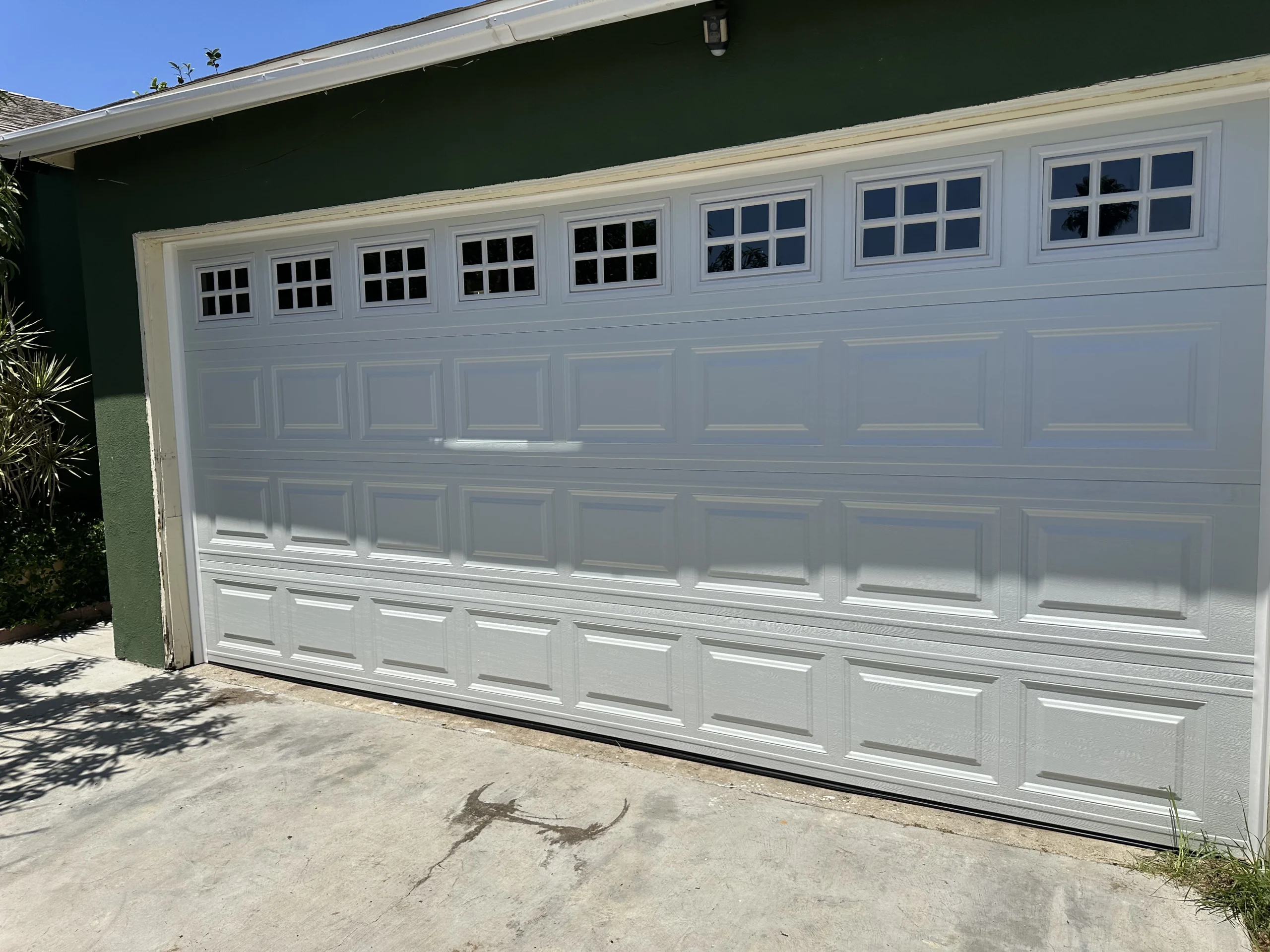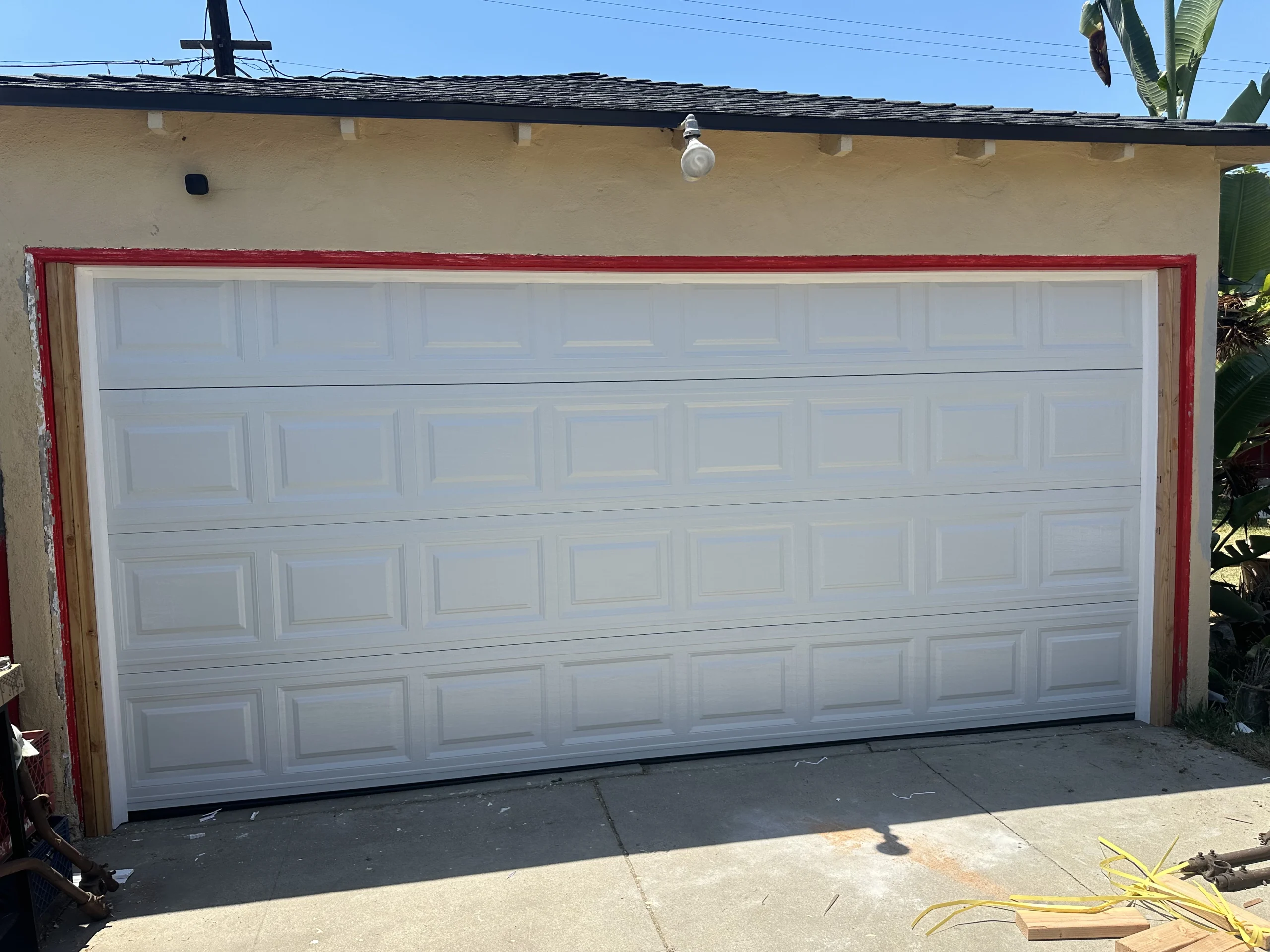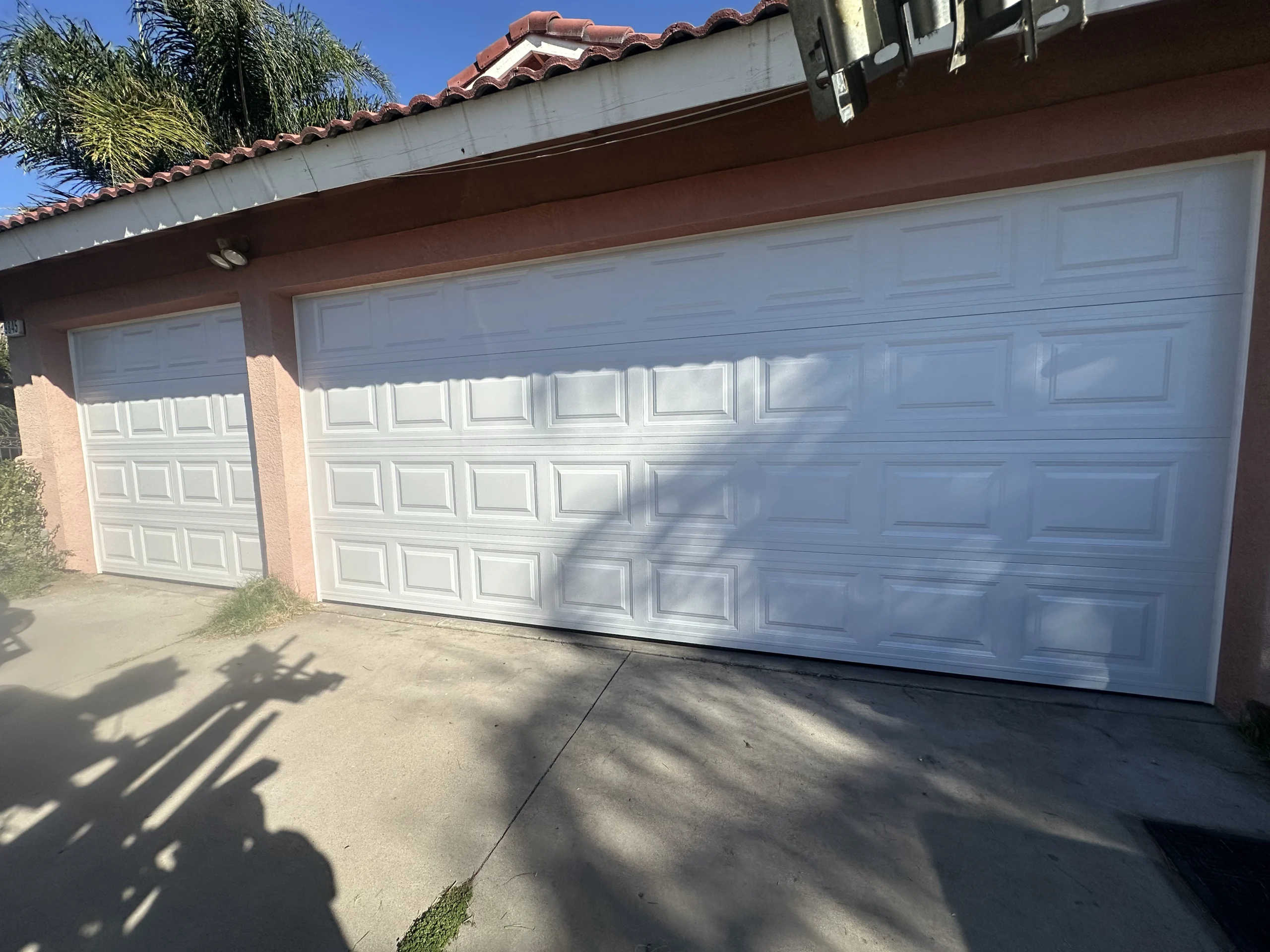
A key left with a former employee, a gate remote that cannot be accounted for, or a delivery driver waiting outside a locked service entrance can disrupt a small business faster than most owners expect. The leading access control trends for small businesses are focused on solving those everyday problems with better visibility, easier management, and dependable physical security.
For Los Angeles business owners, the right upgrade is rarely about adding technology for its own sake. It is about making sure employees can get in safely, customers can enter without confusion, deliveries do not block operations, and the property remains protected after closing. A well-planned gate, garage door, pedestrian entry, or automated opener should support the way your business actually runs.
Access Control Trends for Small Businesses in 2026
The biggest shift is toward systems that give owners more control without making daily entry harder for staff or visitors. Traditional keys still have a place, especially for low-traffic interior doors, but they offer little visibility. When a key is copied, lost, or not returned, the business may need to rekey locks to restore confidence.
Modern access systems make it possible to assign, change, or remove access without replacing hardware every time staffing changes. That matters to retailers, offices, warehouses, auto shops, multifamily property managers, and other light commercial properties where several people may need entry at different times.
The best choices depend on the building layout, the number of users, the type of gate or door, and how much security is truly needed. A small professional office has different needs than a fenced storage yard with frequent vehicle traffic. The goal is not to install every available feature. It is to create a system that is practical, secure, and easy to maintain.
Mobile credentials are replacing shared remotes
Many small businesses are moving from shared gate remotes and physical key rings to mobile credentials. With a phone-based credential, an authorized person can use a secure app or digital pass to open an entry point. If that person leaves the company, access can be removed quickly rather than hoping a remote or key comes back.
This approach can be especially useful for commercial driveway gates, pedestrian gates, and employee-only doors. Owners and managers gain a clearer picture of who has access, while staff avoid carrying several keys or remotes.
There are trade-offs. Mobile access depends on a compatible system, a charged phone, and a thoughtful backup plan. A physical credential, keypad code, or staffed override may still be necessary when a phone is lost, damaged, or out of battery. Good access control plans always include a safe way to handle exceptions.
Video intercoms are becoming a practical front-door tool
Video intercoms are no longer limited to large commercial campuses. Small businesses are using them at pedestrian gates, storefront entrances, loading areas, and service doors to verify visitors before allowing entry. For a business with occasional deliveries, contractors, or after-hours appointments, seeing and speaking with someone before opening the gate can prevent avoidable security issues.
Remote answering is one of the most useful features. A manager may be in a back office, off-site, or handling another customer when a visitor arrives. A video intercom can help them respond without leaving their work or automatically granting access.
Placement matters as much as the device itself. A camera positioned too high, poorly lit, or exposed to glare may not provide a useful view. Professional installation can account for sight lines, lighting, weather exposure, wiring, and the location of the gate operator or door release.
Scheduled access reduces daily friction
Scheduled access is a growing trend because it gives small businesses a simple middle ground between leaving an entrance open and manually managing every person who arrives. Instead of providing round-the-clock access, an owner can set access windows for employees, cleaning crews, vendors, or tenants.
For example, a commercial gate can allow employees through before opening hours, then restrict entry after the business closes. A service vendor might receive access during a planned maintenance window only. This reduces the chance that an old code or credential remains active long after it is needed.
Scheduling works best when the business has clear routines. If employee hours change constantly or crews arrive unpredictably, a manager may need flexible permissions rather than a rigid schedule. The system should match operations, not force the business into an inconvenient routine.
Integrated gates, garage doors, and pedestrian entries
Small business owners increasingly want their exterior access points to work together. A driveway gate, roll-up garage door, pedestrian gate, and parking-area entry should not feel like separate security decisions. When these systems are coordinated, employees and approved vehicles can move through the property with fewer bottlenecks.
For a service business, that may mean an automated gate that admits authorized vehicles while a separate pedestrian entrance remains secured. For a warehouse or retail stockroom, it may mean controlling a garage door or loading entrance so it is not left open longer than necessary.
Integration does not always mean controlling everything from one screen. In some cases, a reliable standalone gate opener and a well-installed keypad are the better solution. More connected equipment can add convenience, but it also requires proper setup, reliable power, and ongoing attention to software settings.
Audit trails support better accountability
An audit trail records access events, such as when a credential was used or a gate was opened. For small businesses, this feature can be valuable without becoming intrusive. It helps answer practical questions: Was the building opened before the scheduled shift? Did a contractor arrive at the expected time? Was a gate left open after a delivery?
Records are most useful when access rules are clear. Business owners should tell employees how the system is used, limit access data to authorized managers, and avoid collecting more information than the operation needs. Security should build trust, not create unnecessary tension.
Cybersecurity now belongs in physical security planning
Connected access systems bring a new responsibility: protecting the account that controls the property. A gate or door operator connected to an app should have strong, unique passwords, multi-factor authentication when available, and limited administrator access. Former employees and outside vendors should not retain account permissions after their work ends.
This does not mean small businesses need an enterprise-level IT department. It means treating a connected gate or access account with the same care given to email, banking, and alarm accounts. Keep a current list of authorized users, review permissions regularly, and ask installers how updates, account ownership, and emergency access are handled.
Reliability Still Comes Before Smart Features
An access control system is only useful when the gate opens, the door closes, and the operator performs safely. In Southern California, heat, dust, heavy use, vehicle impacts, worn rollers, misaligned tracks, and aging electrical components can all affect performance. A sophisticated keypad will not solve a dragging driveway gate, and a mobile app cannot compensate for a failing garage door spring or damaged safety sensor.
Before adding smart features, inspect the condition of the existing entry system. Gate hinges, rollers, tracks, opener motors, photo eyes, control boards, door balance, and emergency release functions should all be evaluated. This is particularly important for vehicle gates and commercial garage doors, where a malfunction can delay customers, employees, or deliveries.
Preventative maintenance also protects the investment. Regular service can identify loose hardware, worn cables, deteriorating rollers, and opener issues before they become a full lockout or safety concern. For businesses that operate early, late, or around the clock, emergency support is just as important as planned maintenance.
How to Choose the Right Upgrade
Start with the access problem, not the product. If unauthorized vehicles enter a lot, the priority may be a secure driveway gate with reliable credentials. If staff members frequently lose keys, mobile or keypad access may make more sense. If the issue is unknown visitors at a side entrance, a video intercom can provide more control.
Next, consider the user experience. Customers should know where to enter. Employees should have a dependable way to access the property during approved hours. Delivery drivers should not be encouraged to prop open a gate because the process is confusing. Clear signage and sensible entry rules often improve security as much as new equipment.
Finally, choose equipment and installation that can be serviced locally. Access control is not a one-time purchase. Gates, openers, garage doors, and entry hardware need professional adjustment, repairs, and occasional upgrades over their working life. Samurai Doors and Gates helps Los Angeles-area business owners evaluate the condition of their current systems and build practical solutions around security, access, and day-to-day operations.
A good access system should make the property feel more controlled, not more complicated. When the gate closes properly, the right people can enter without delay, and you know who holds access, your business is in a stronger position to handle whatever the next workday brings.